
README.md 1.4 KB
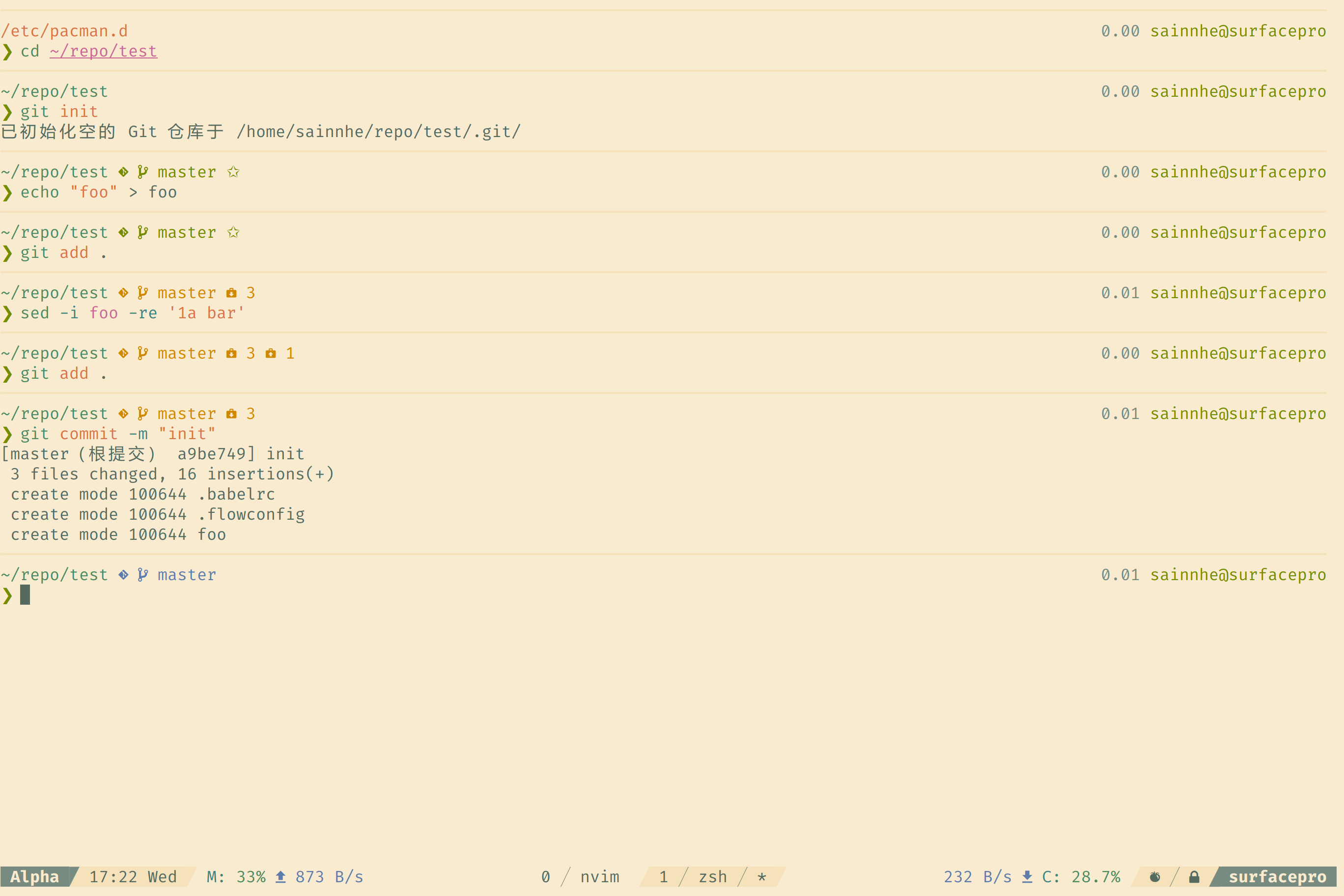
Syntax Highlighting
The syntax highlighting is implemented by zdharma/fast-syntax-highlighting. By using default theme with any terminal emulator color scheme of vanilla-cake, you can get a vanilla-cake syntax highlighting theme of zsh.
Prompt
The prompt theme is vanilla-cake version of pure power, it depends on romkatv/powerlevel10k.
To use it, simply source this file in your zshrc after powerlevel10k has been load:
source /path/to/vim-color-vanilla-cake/zsh/.zsh-pure-power
Alternatively, if you are using zplugin, you can install the theme like this:
zplugin light romkatv/powerlevel10k
zplugin snippet https://github.com/sainnhe/vim-color-vanilla-cake/blob/master/zsh/.zsh-pure-power
Customization
There are three modes of this prompt theme:
PURE_POWER_MODE=modern    # use nerdfont characters in the prompt
PURE_POWER_MODE=fancy     # use unicode characters in the prompt(default)
PURE_POWER_MODE=portable  # use only ascii characters in the prompt
To switch between them, edit /path/to/vim-color-vanilla-cake/zsh/.zsh-pure-power, and change the value of PURE_POWER_MODE.